
Agent Billing & Payouts allows brokerages to manage both sides of agent compensation in a single, centralized system.
Key Capabilities
Commission Payouts
Pay agents their commissions directly from transactions
Support accurate, timely payouts tied to each deal
Maintain clear records of all payments issued
Agent Fee Billing
Bill agents for brokerage fees, transaction fees, technology fees, or other charges
Apply fees on a per-transaction or as needed
Clearly itemize charges for transparency and reporting
Centralized Financial Management
View agent earnings and fees together for a complete financial picture
Reduce manual calculations and off-platform tracking
Improve accuracy and consistency across transactions
Improved Transparency
Provide agents with clear visibility into payouts and deductions
Minimize confusion and back-and-forth on commissions and fees
Benefits for Your Brokerage
Streamlines accounting and payout workflows
Saves time by eliminating separate billing and payout processes
Improves financial clarity for administrators and agents alike
How It Works
- Connect to your bank by adding your company and funding information.
- Set Up Agent Fees
Define the fees you need to bill agents—transaction-based, recurring, or one-time charges. - Process Transactions as Usual
When a transaction is completed, commissions and applicable agent fees are calculated within TotalBrokerage.- Lock Commissions
- Actions > Sync to Payload
- Apply Billing Automatically or Manually
Fees can be automatically applied or adjusted as needed before payout. - Pay Commissions & Bill Agents
Agent commissions are paid out while fees are billed—all in one streamlined process. - Track & Report with Confidence
View detailed records of payouts, fees, and billing history for full transparency and easy reconciliation.
To add Payload to your account, please email Support@TotalBrokerage.com.
BROKERAGE SETUP
Go to Setup > Brokerage > Payload
NOTE: you do not need to create an account directly in Payload.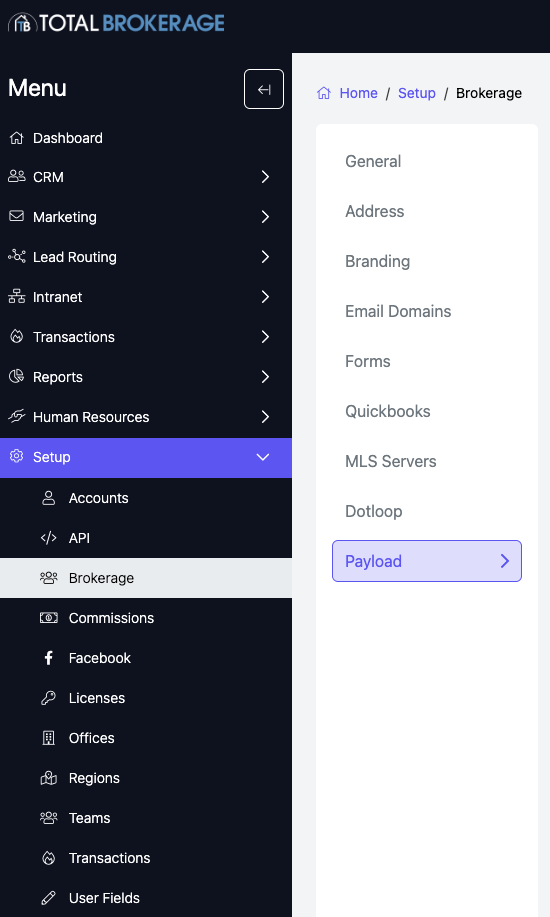
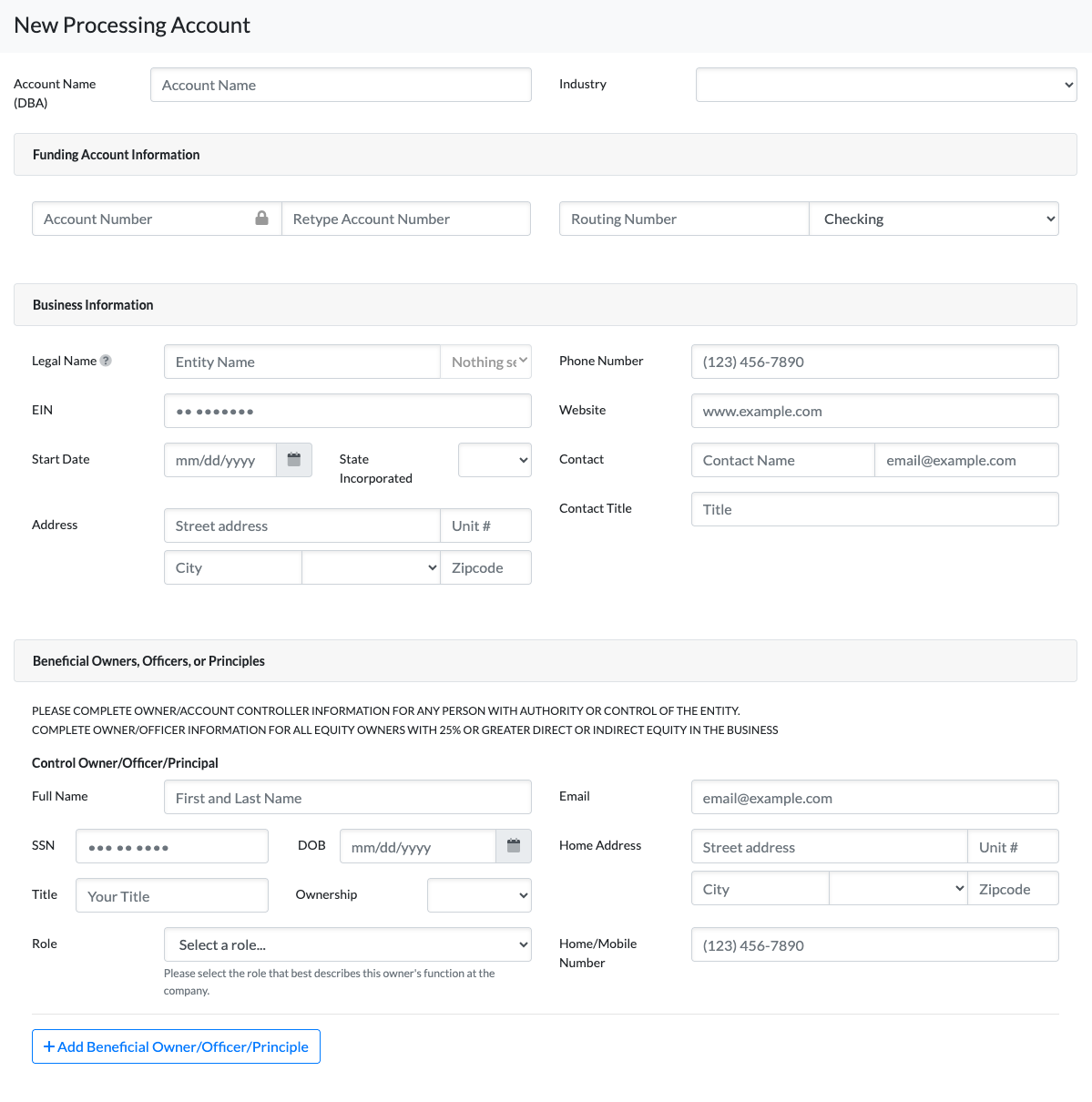
Click Add New Processing Account
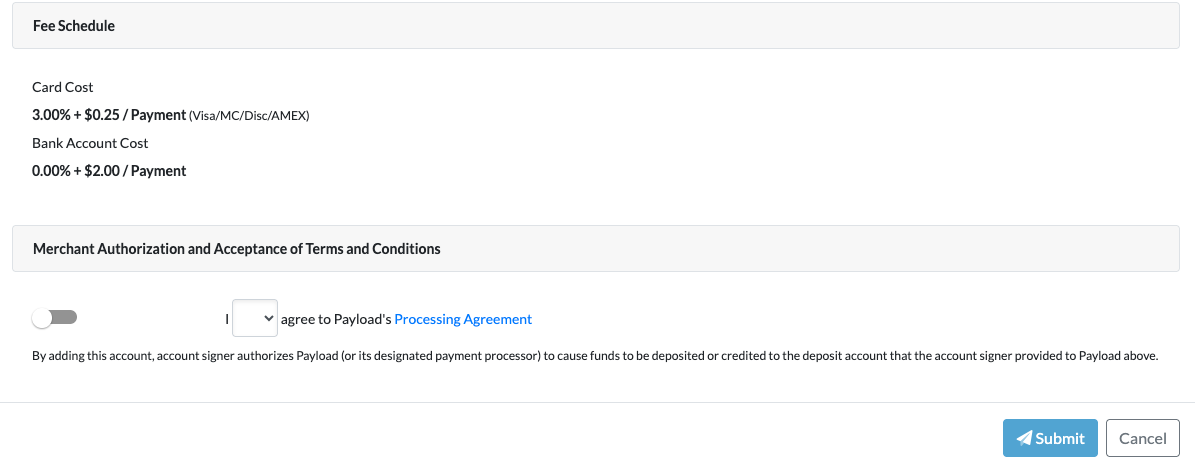
Fill out information & Submit
SYNCING TRANSACTIONS TO PAYLOAD
Syncing your transactions to Payload is quick and ensures commissions are properly sent for processing.
Before You Begin
Ensure commissions are finalized and ready to be sent.
Only Active Processing Accounts will be available for selection. These are managed under Setup > Brokerage > Payload.
Step 1: Lock Commissions
Open the transaction.
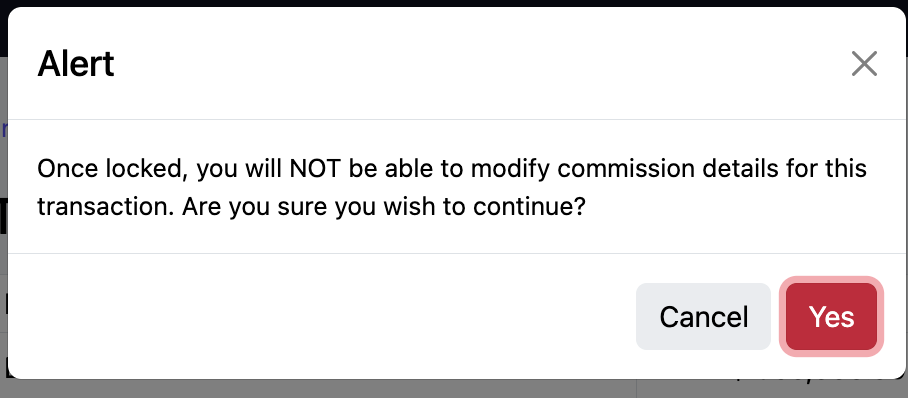
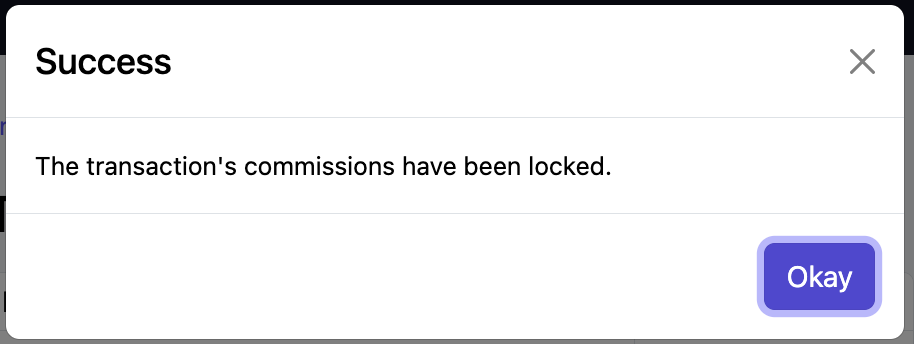
Click Actions > Lock Commissions.
Select Yes, then click OK.
Locking commissions is required before syncing to Payload.
Step 2: Synchronize to Payload
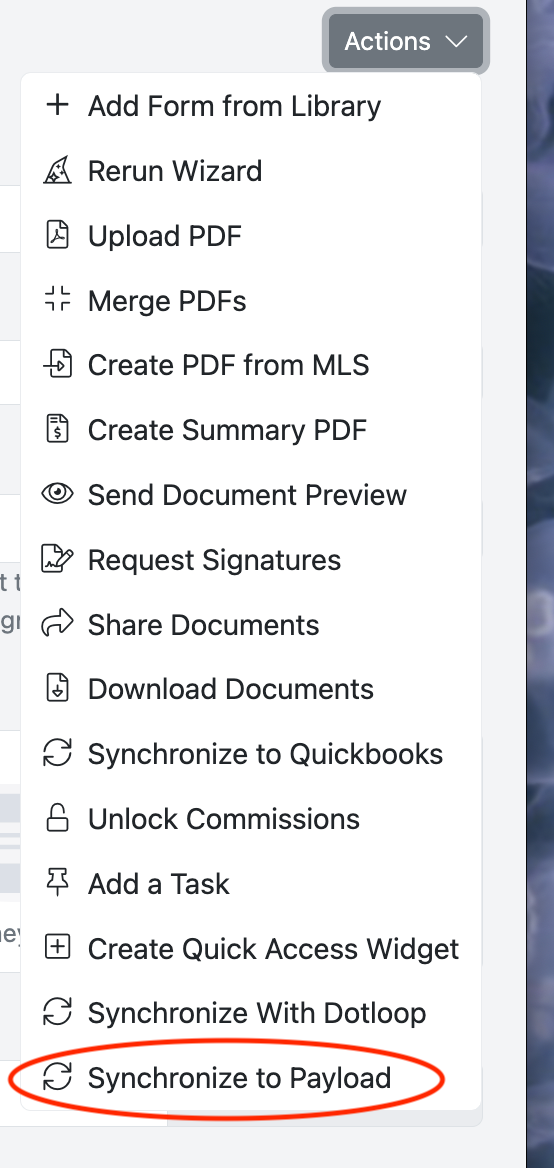
Click Actions > Synchronize to Payload.
Use the dropdown to select the Processing Account you want to send funds from.
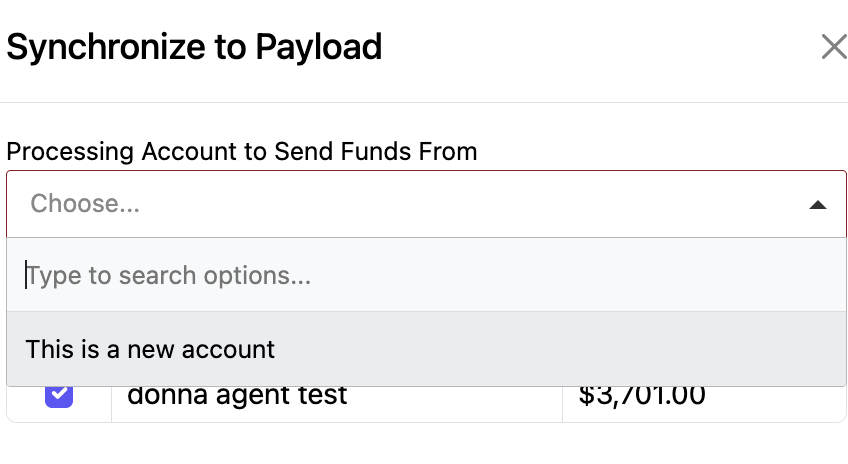
Only Active Accounts will appear.
The Agent’s Account and commission amount will populate automatically.
Click Synchronize.
Step 3: Confirm the Sync
Navigate to View Transactions.
An icon will appear next to any transaction that has been successfully synced to Payload.

Helpful Notes
If an account does not appear in the Processing Account dropdown, confirm it is marked as Active in Setup > Brokerage > Payload.
Once synced, changes to commissions may require additional steps before resubmitting.
Funds will be deposited into an account on the second business day after the payment has been initiated.
ACCOUNT BANK ACCOUNT SET-UP
Accounts/Agents will set up their bank information via My Profile.
Brokerage Managers DO NOT have access to Account Bank Information.