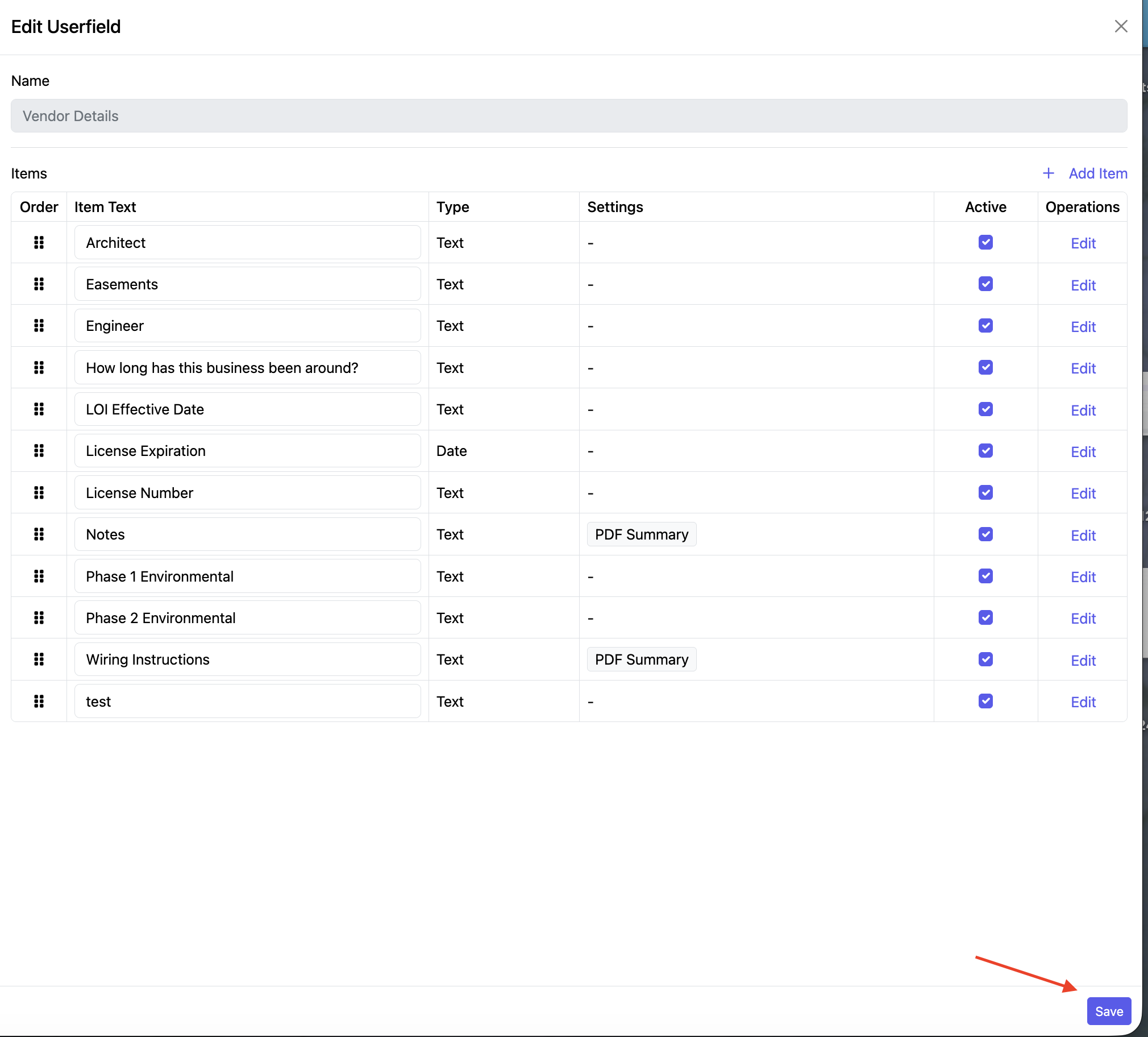
This is where you can create and manage the information you want to capture for your vendors.
If your plan does not include Vendor Management, please email Support@TotalBrokerage.com for pricing and additional details.
Note: Managing User Fields can only be done by Brokerage Managers.
Access Vendor Details
Go to Setup → User Fields → Vendor Details.
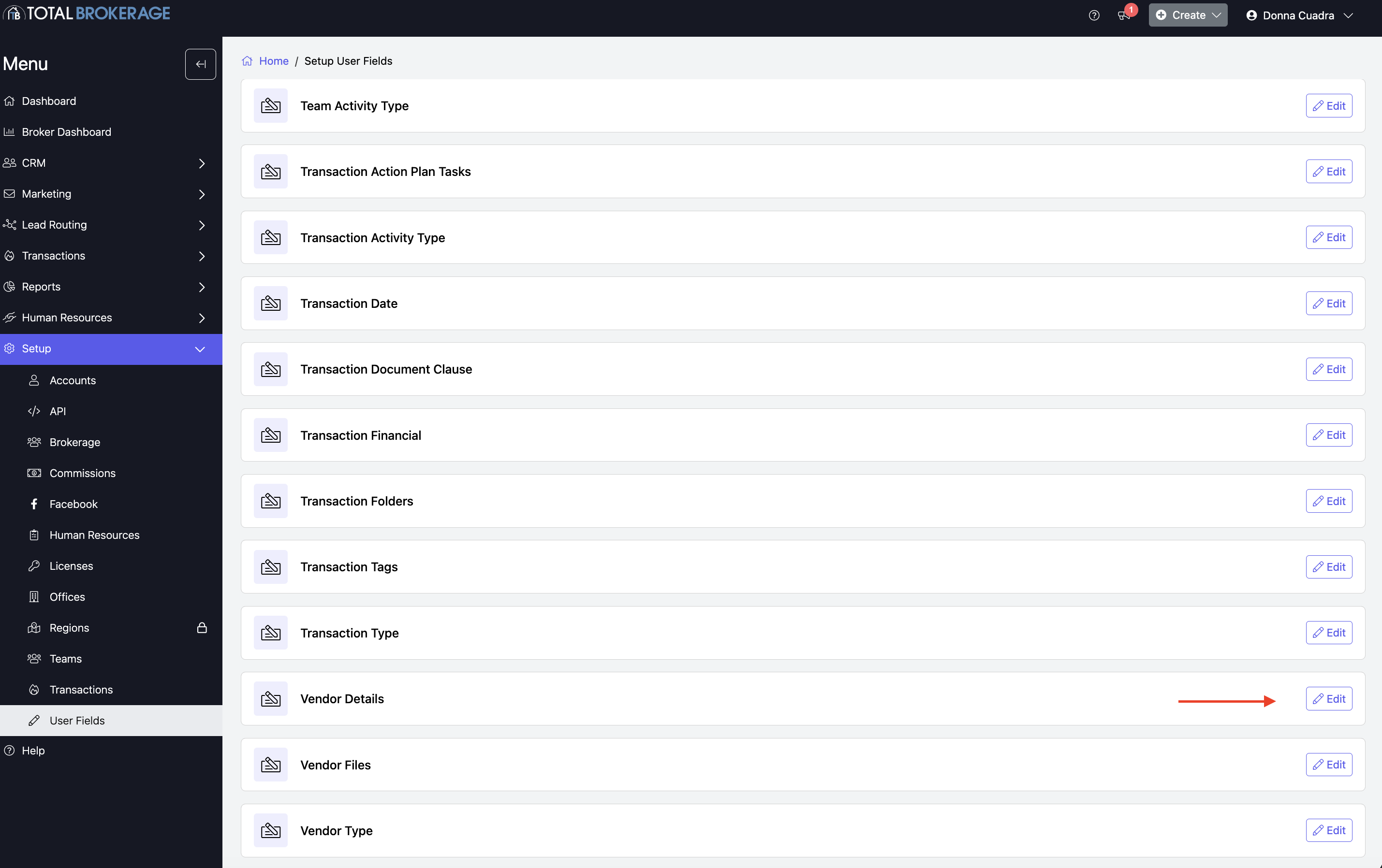
To manage an existing field:
- Click Edit.
- Make any necessary changes.
- If you no longer want the field to appear, uncheck the Active box.
- Click Save.
Add a New Vendor Detail:
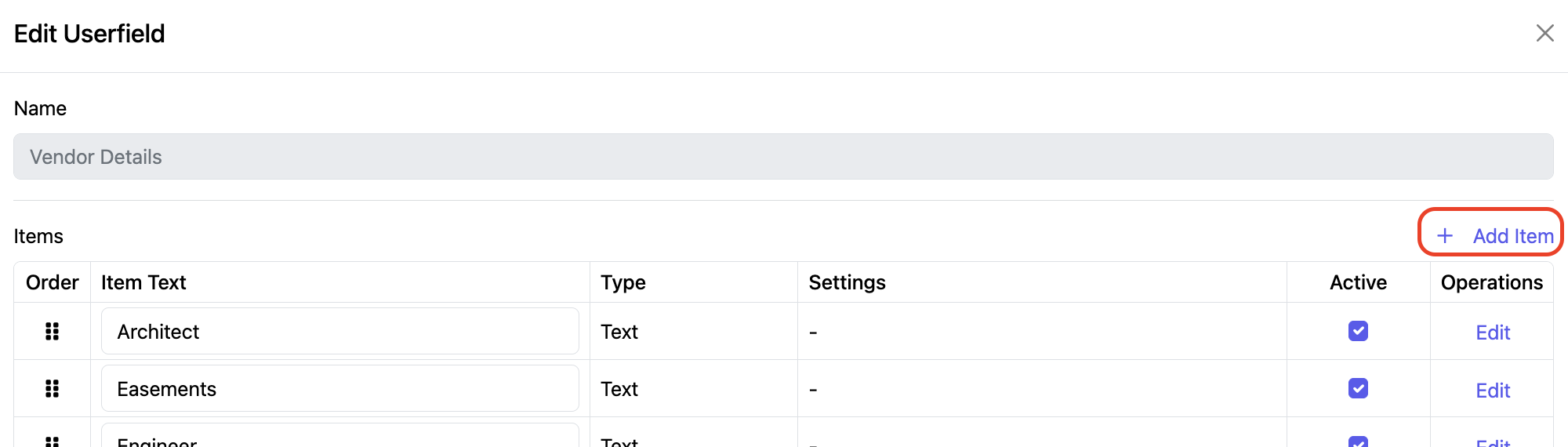
To add a new field, click + Add Item in the upper-right corner.
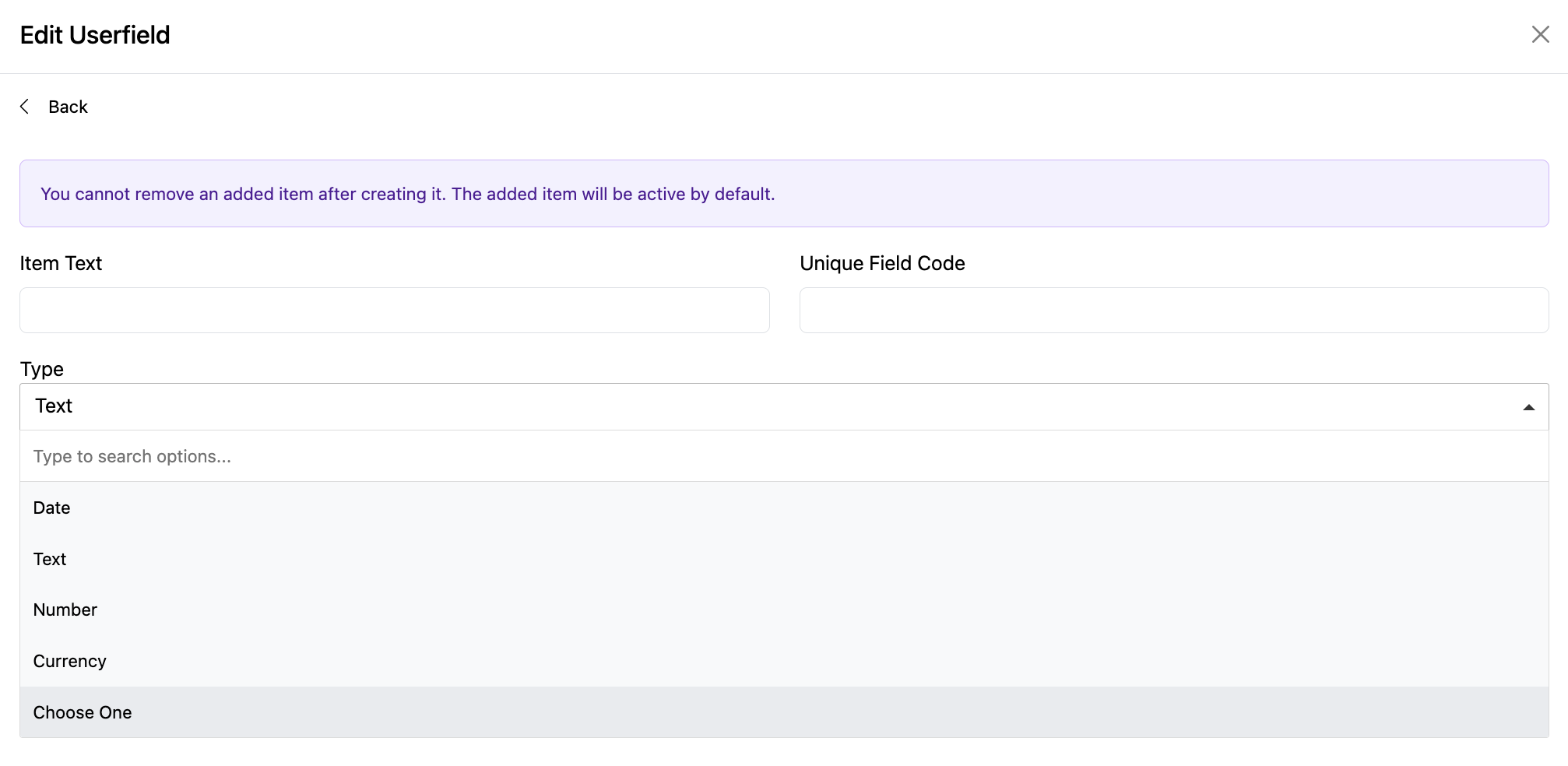
Enter the Item Text (Name of the Vendor Detail).
The Unique Field Code will be generated automatically.
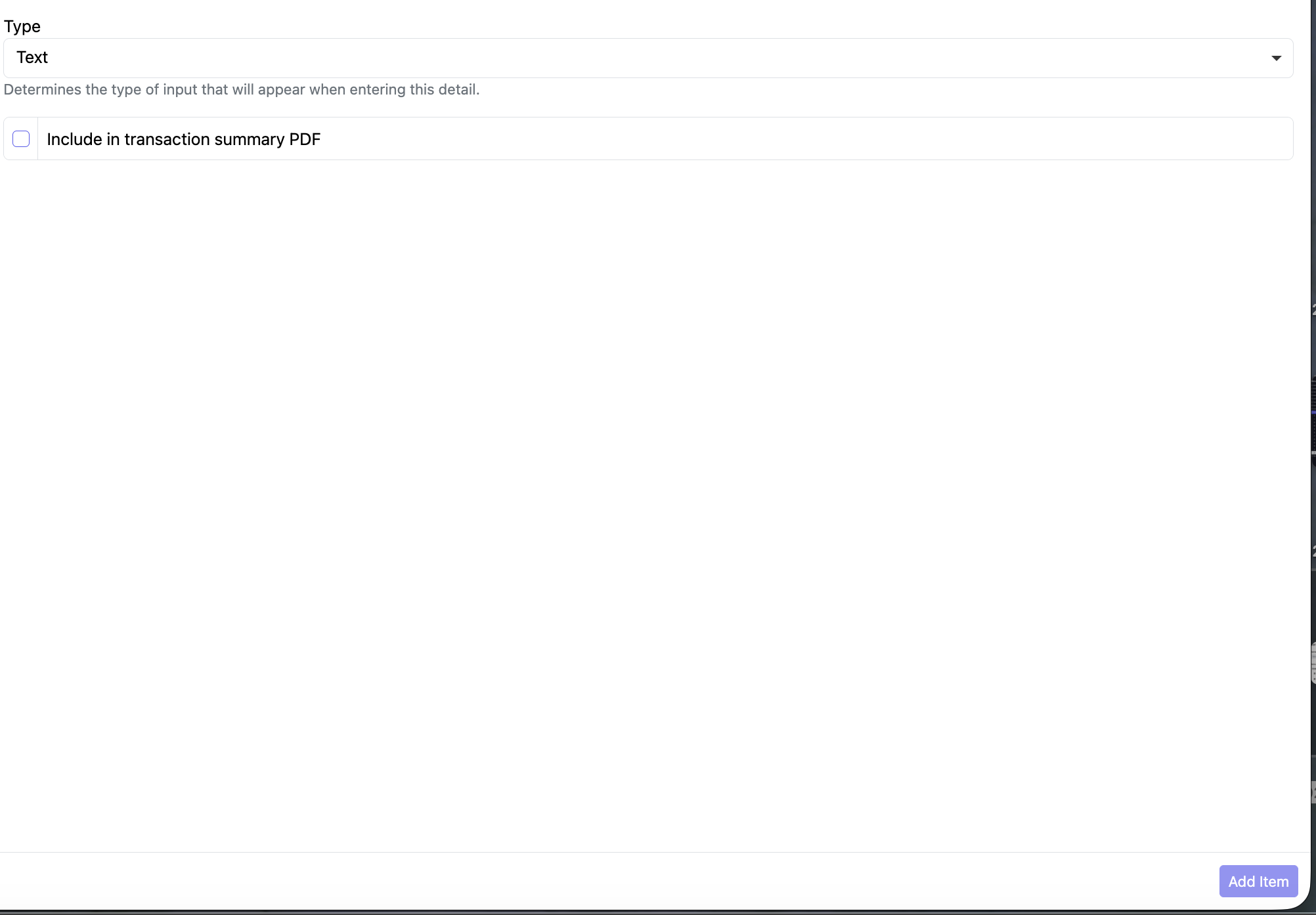
Then select the Type of field:
- Date
- Text
- Number
- Currency
- Choose One – for multiple-choice selections
If needed, select Include the Detail in transaction summary PDF Report to have this information included on the transaction summary PDF.
When finished, click Add Item.
You'll be returned to the Vendor Details page.
Click Save to save your changes.