
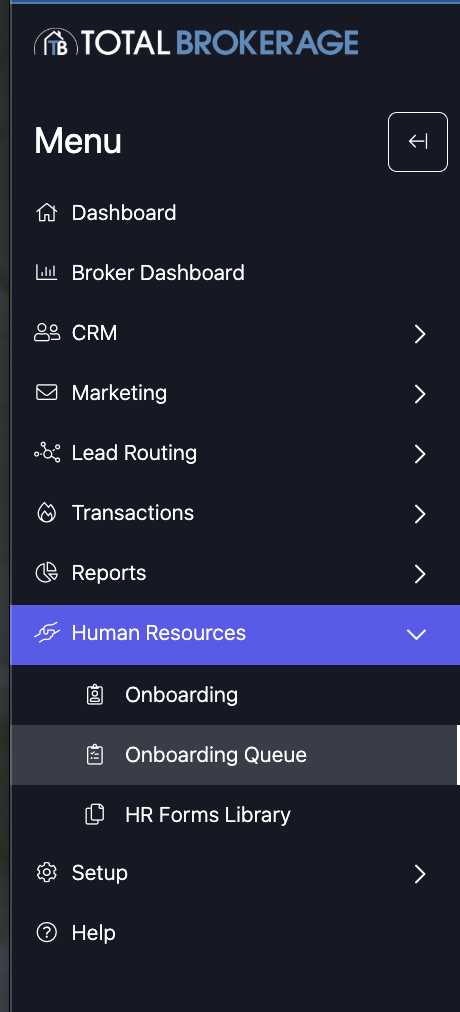
The onboarding queue is used to see what outstanding work you have left to do for onboardings. Go the "Human Resources" Section and click on "Onboarding Queue".
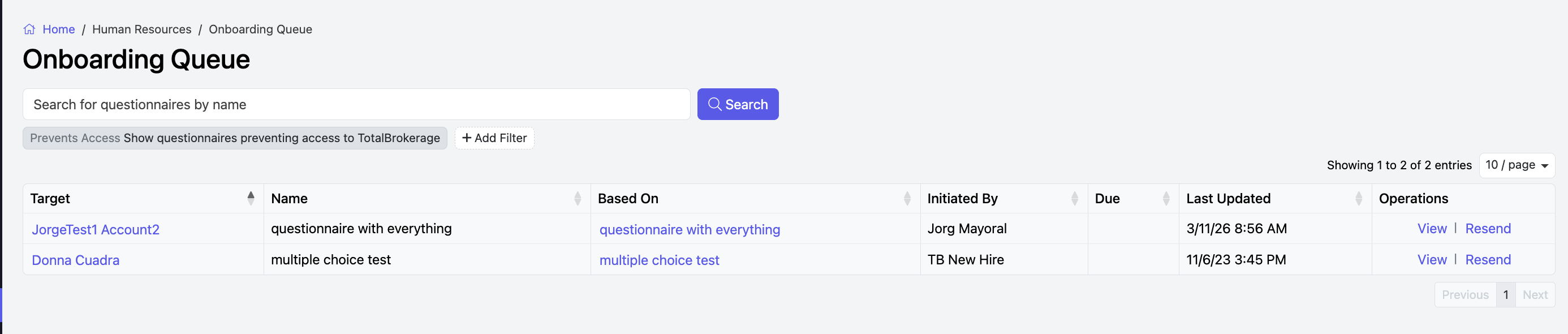
You can search for specific onboarding, scroll through the list and make your selection, or use + Add Filter to narrow the search results.
To view a questionnaire, click on the view button in the Operations column.
This will bring you to the Questionnaire to fill out.
Brokerage or Human Resources Managers: To send a reminder, click Resend.
Use this helpdesk article for more information on how to complete a questionnaire.