
Go to Setup → API.
Please note that the API module is only available to Brokerage Managers on the Enterprise plan.
Contact Support@TotalBrokerage.com to find out about upgrading your plan.
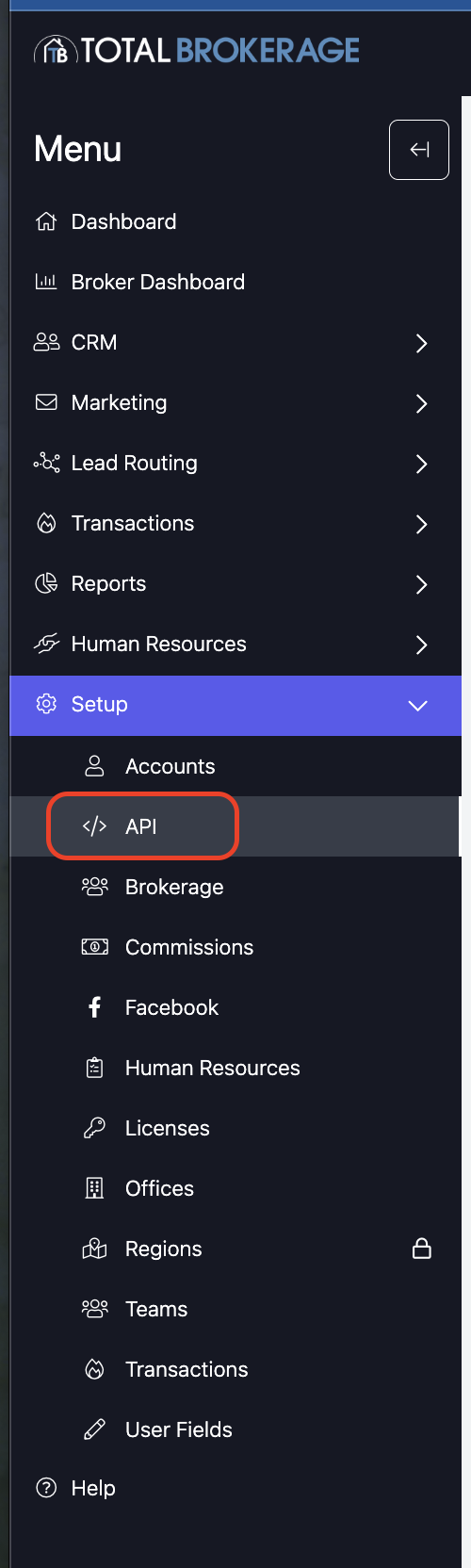
From here, you will be brought to the tab that contains all your brokerage's API keys.
To create an API key, select Actions on the top right and select + Add API Key.
Or, you can click on the link in the table.
A popup will ask you to configure who this API key is for, the name of the API key (which you can use to identify the key), and the version of the API you will be using.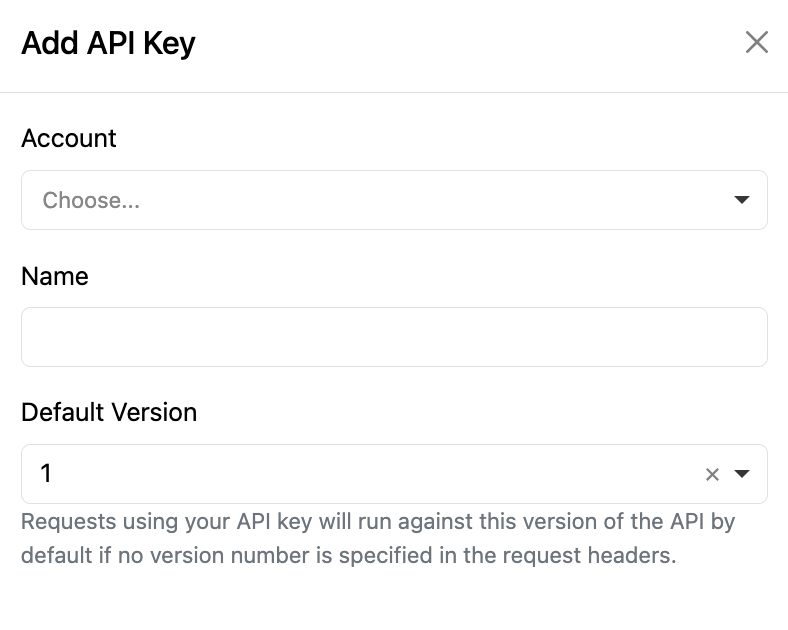

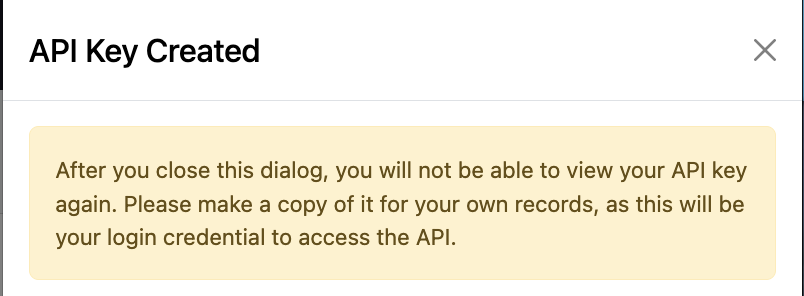
After you click save, it will pop up with your generated API key.
Click Done

You will see the API key appear in the table now. You can edit the default version of the API key or disable it in the actions column.
Here is a link to our API documentation for more information about the API: https://totalbrokerage.com/api